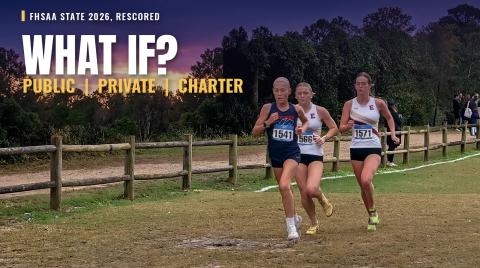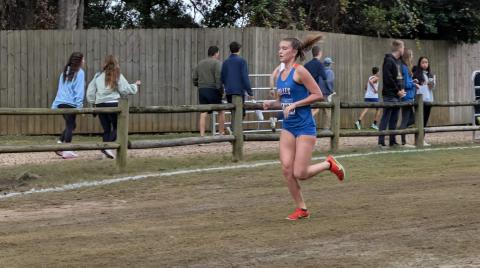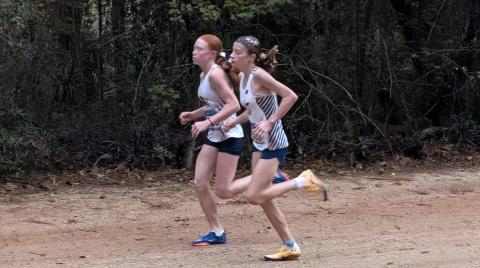
The 2026 Florida high school cross country season ended Friday, Nov. 20, at the FHSAA state championships at Apalachee Regional Park in Tallahassee. Those results are on our athlete profiles now, so every runner's season is complete. One button on the profile turns it into an image you can post.
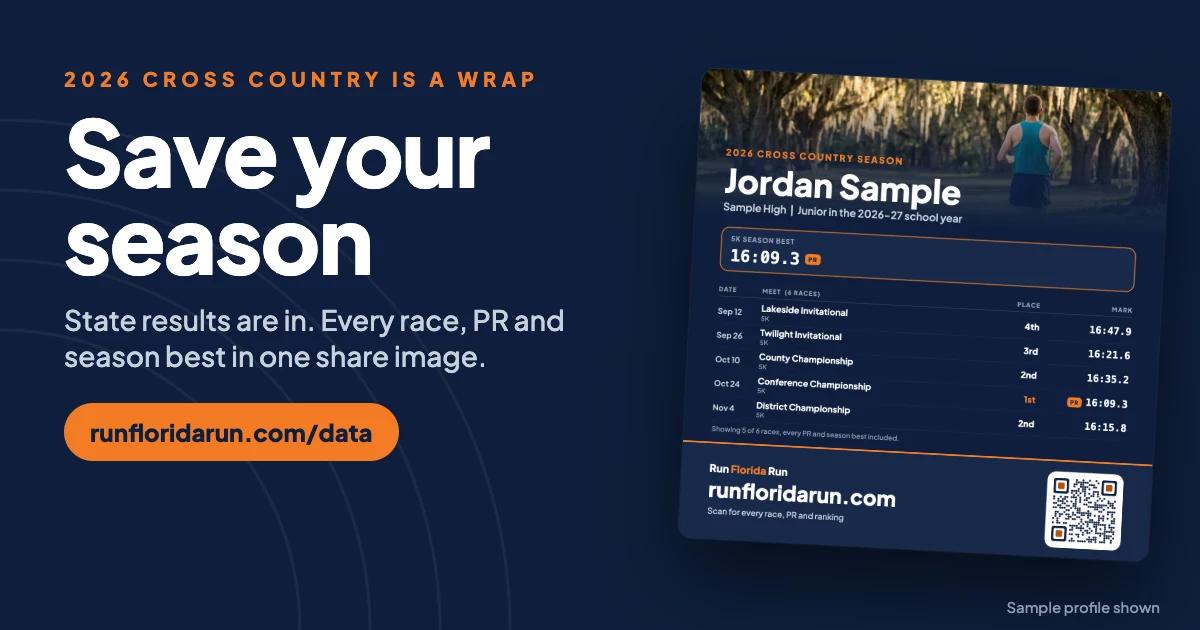
What a Season snapshot shows
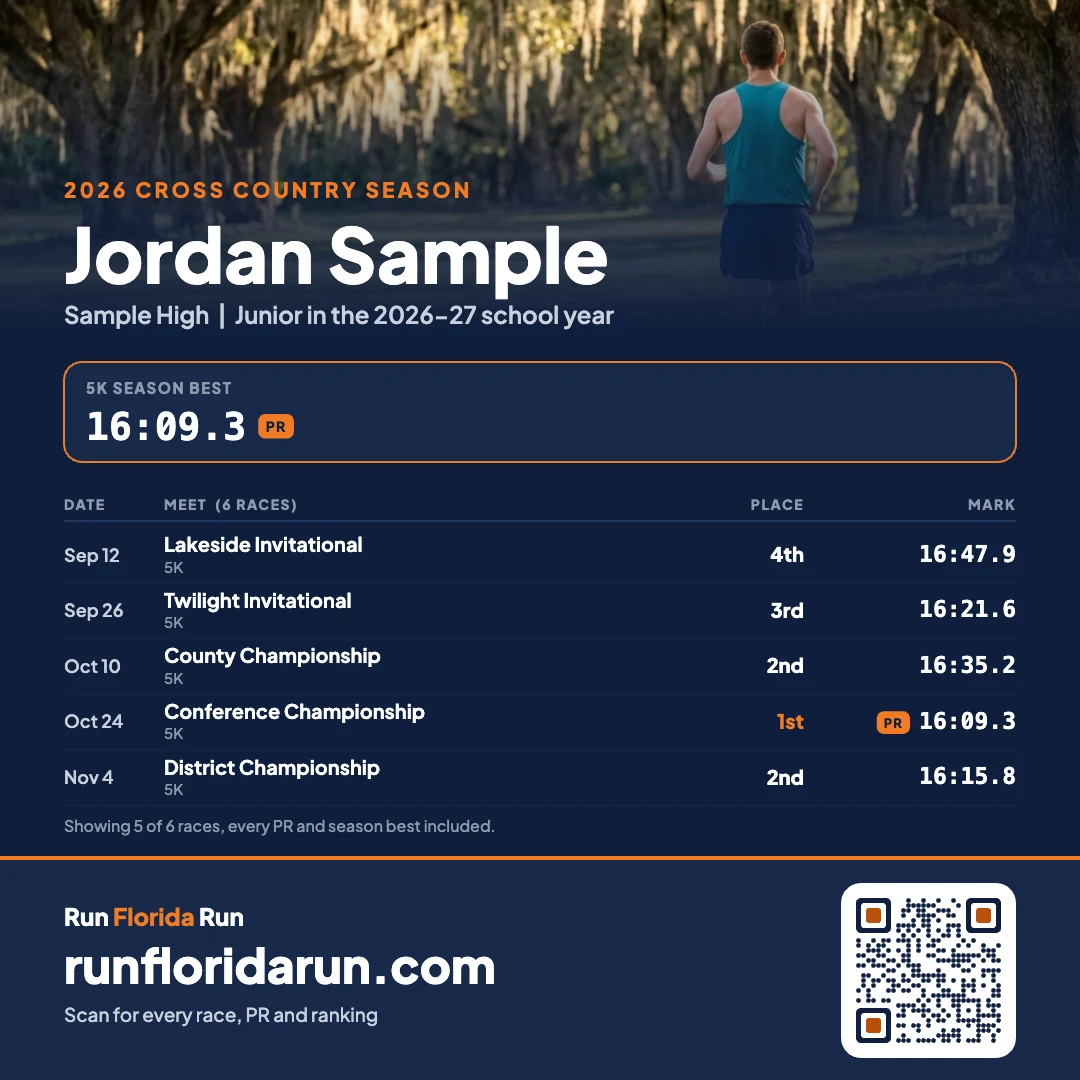
A Season snapshot is a share image of one athlete's season, made from their Run Florida Run profile. It has:
- Every race of the season, with the date, place and time
- The season best, with PRs marked
- The athlete's school and grade, with the school year named
- A QR code that opens the full profile
- Your own photo, if you add one
On a long season the image keeps every PR and season best and says how many races it shows. The profile always has all of them.
How to make one
- Go to runfloridarun.com/data and search for the runner's name.
- On the profile, tap Season snapshot.
- Pick the season, then the size: Post (1080 x 1080) or Story (1080 x 1920).
- Add a photo if you want. Zoom and drag it in the preview to frame it.
- Tap Download image. On most phones a Share button also sends it straight to Instagram, Facebook or a text.
Your photo stays on your phone
The image is drawn in your browser. A photo you add is never uploaded or saved by Run Florida Run.
Earlier seasons and track
If a runner has raced more than one season, the Season menu lists each one, so you can make a snapshot of an earlier year too. Track and field profiles have the same button for spring seasons.
Catch up on the state meet
Read the story of every state race: 1A girls, 1A boys, 2A girls, 2A boys, 3A girls, 3A boys, 4A girls and 4A boys.